You launched your website. Now, how to bring it traffic without spending a dollar
Your website is live; the next step is bringing people to it. Why a Google Business Profile is the most effective free source of traffic for a local business, what people look at in your reviews, and the step-by-step to open yours in under an hour.
By Jonathan Arocha
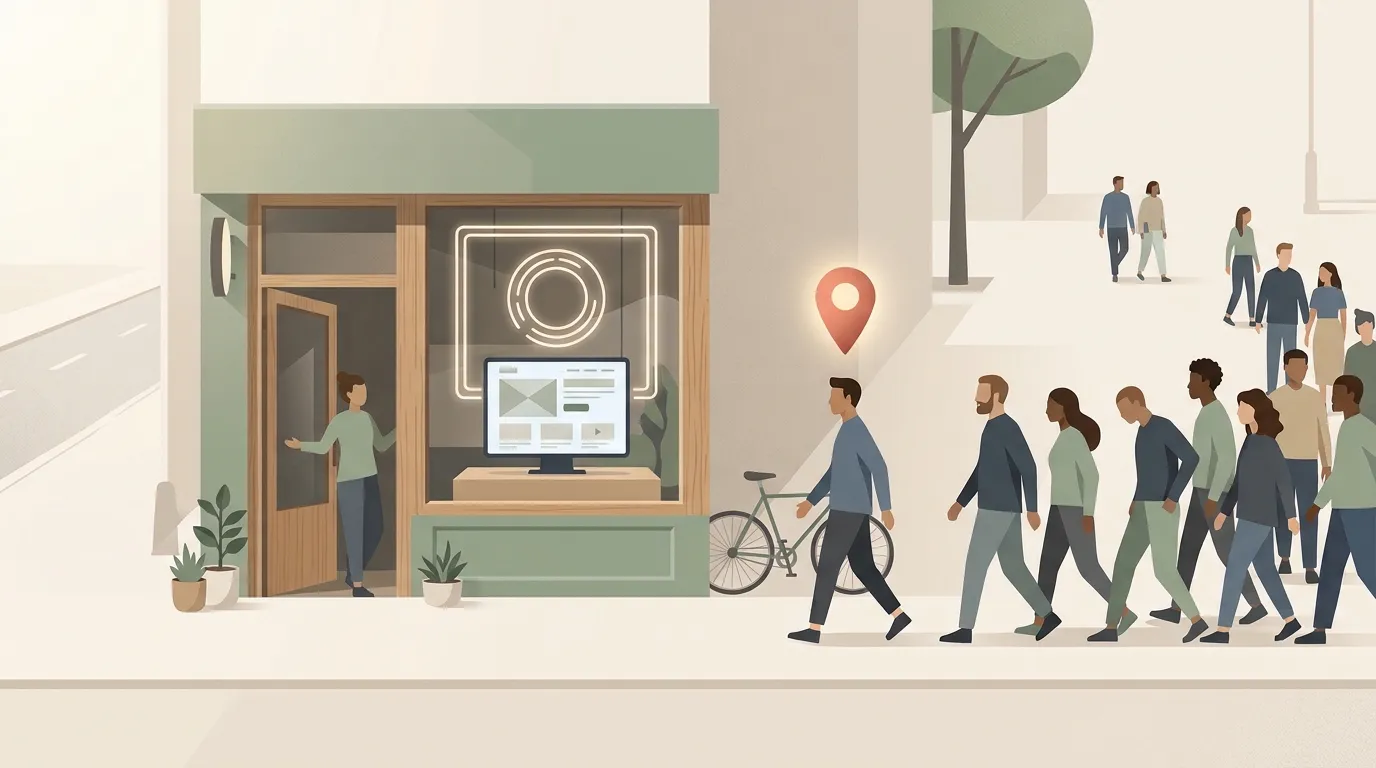
Your website is live. It looks good, it books appointments on its own, it answers the questions you used to answer fifty times a day. That was the first step, and you have taken it.
The next one is different and just as important: bringing people to it. A website works like your shop. It is ready to serve, but people have to reach the door. And there are several ways to get them there: ads, social media, word of mouth. They all count. But there is one that is free, that reaches people who are already looking for what you do, and that most businesses leave unused.
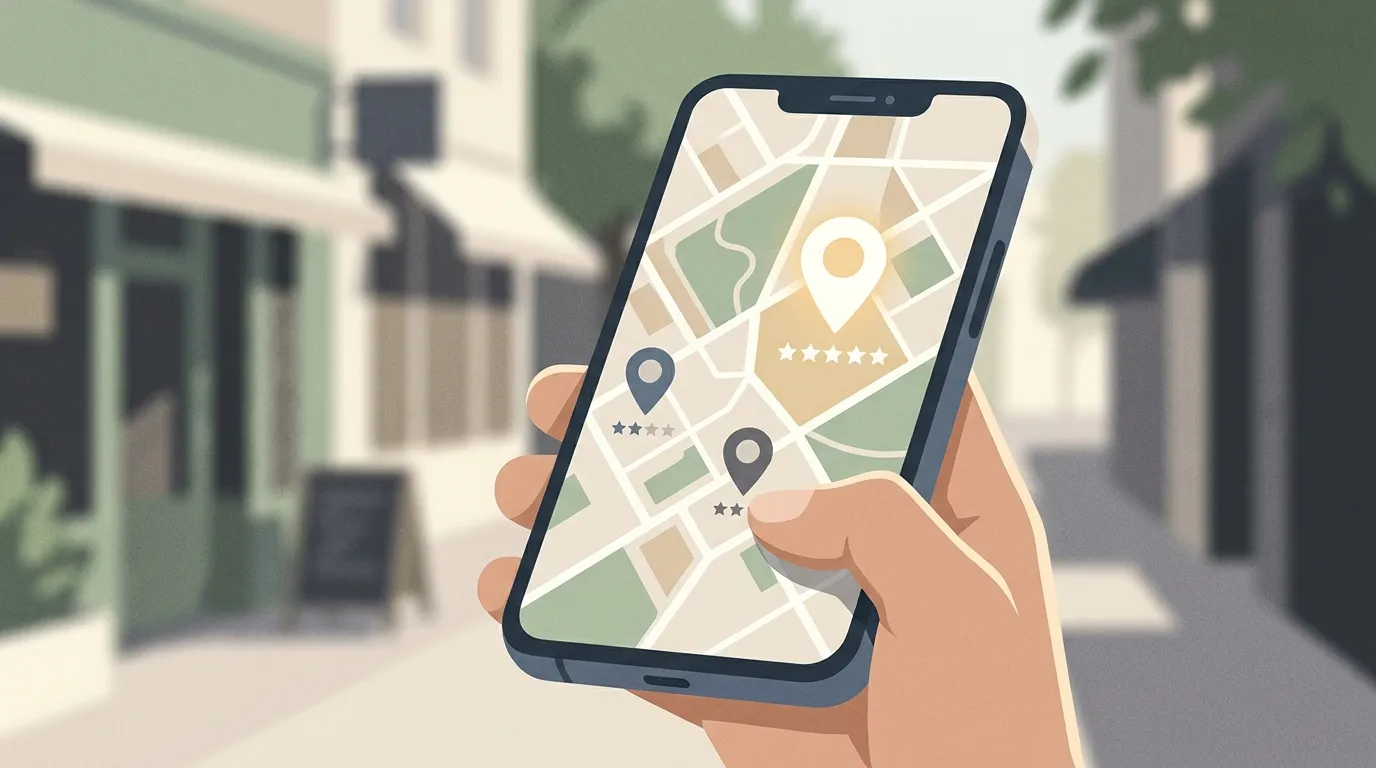
When someone searches for “barbershop near me” or “beauty salon in Houston”, the first thing that shows up is not a website. It is a map with three or four businesses, their star rating and how many people have reviewed them. That card is called a Google Business Profile. Every profile has a button that goes straight to the business’s website. For a local business, it is the most effective free source of traffic there is, because the person who clicks is not browsing: they are looking for someone to call today.
And the profile has something no ad can buy: the voice of your customers.
What the person who found you looks at
Before walking through your door, most people have already made up their minds about you by reading what others said. A 2026 survey of more than a thousand consumers in the United States found that 97 percent read reviews before choosing a local business. Almost half always do, without exception.
That person is going to compare three options on a map and pick one in less than a minute. They look at two things: how many stars you have and how many people gave them to you. And they are pickier than it seems.
Seven in ten only consider businesses with four stars or more. One in three demands four and a half. And almost half rule out any business with fewer than twenty reviews, whatever the rating. A business with 4.8 stars and 60 reviews beats one with 5 stars and 3, because the number says that many people have already trusted it.
They also look at the date. Three in four people only take into account reviews from the last three months. An excellent review from a year ago is worth little. A steady flow of recent reviews is worth a lot, because it says the business is still alive and still doing it well.
Why it works this way

This is called social proof, and it is one of the oldest mechanisms of human trust. When we do not know what to decide, we look at what others decided. Nobody wants to be the first to try a business nobody knows anything about, but almost everyone is willing to be number sixty-one.
A review does something your own advertising cannot: it speaks well of you without you being the one speaking. Your ad says you are good. The review says someone checked. That is why a profile with reviews turns the traffic it gets into customers, and an empty profile lets it go.
What almost nobody does, and what makes all the difference
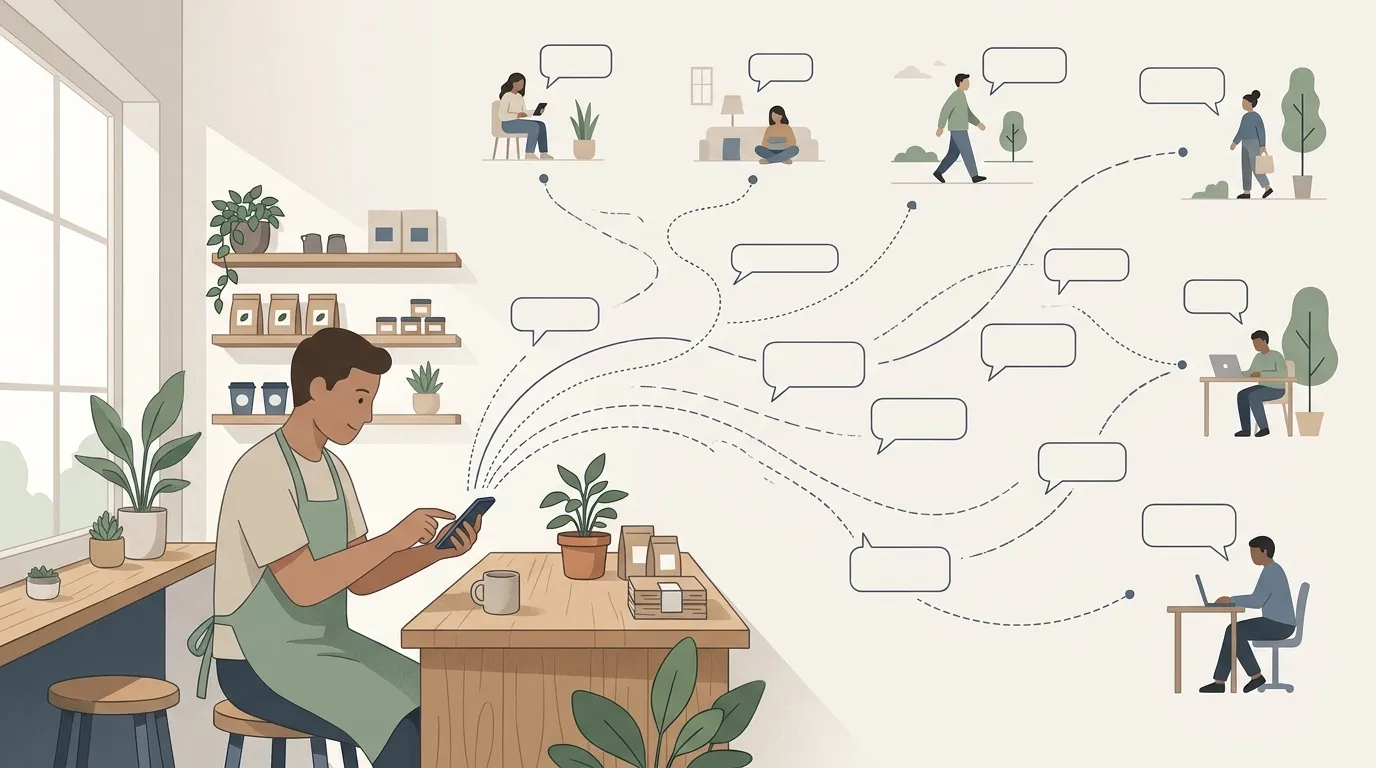
Replying. Nine in ten people expect the owner to answer reviews, and eight in ten say they are more likely to choose a business that replies to all of them. The most interesting figure goes the other way: half distrust businesses that reply with generic phrases, the same for everyone.
The people who read your reviews also read how you reply. A short, personal reply to a complaint says more about how you treat your customers than ten compliments. It is the part of the profile you fully control, and the one most businesses leave blank.
How it comes together with your website
This is where the two become one. Your Google profile brings people to your website. Your reviews make those people trust you. And we close the loop: once your profile is verified and you have your first reviews, let us know and we will connect them to your website so they show up right there, updating on their own every time someone leaves you a new one.
That way the person who arrives, whether from Google or from an ad, immediately sees what other customers say about you. And from the profile, you can see how many visits reached your website that way. It is included in your subscription.
If you do not have a website yet and need to launch one before getting to this point, do it with us. Impulso Digital is our website-by-subscription program: no upfront cost, with the domain in your name and a team that keeps it alive. Discover Impulso Digital →
What follows is how to open your profile. It takes less than an hour.
Step by step
1. Sign in with your Google account
Go to business.google.com/create from your computer or phone. Sign in with the Gmail account you use for the business. If you do not have one, create a new one with your business’s name, not your personal name. That account will own the profile, so keep the password safe.
2. Check whether your business already exists
Type your business’s name. Google sometimes already has a listing created by customers or from public information. If it appears in the suggestions, select it and request ownership. If it does not, keep going to create it.
3. Fill in the basic details
- Business name. Exactly as it appears on your sign, without extra words like “best” or the city.
- Category. The most specific one available. “Barber shop” is better than “Beauty salon”. You can add more later.
- Location. If people visit you at a shop, choose yes and enter the address. If you go to the customer, choose no and set the area you cover.
- Phone and website. The number you actually answer, and your website.
When you are done, press Finish. The profile is created, but it does not show up on the map yet.
4. Verify that the business is yours
It is the step most people abandon and the one that turns everything on. You will see a red notice at the top that says Verify now. Google decides which methods to offer you, and sometimes asks for more than one:
- Phone or text. You get a code. It has to be a number you answer yourself, not an automated menu.
- Email. You get a link at the address Google shows on screen.
- Video recording. You use your phone to record the storefront with the sign, the inside, and something that proves you work there.
- Live video call. Someone from Google stays with you while you show the place. Only during your opening hours.
- Postcard. A code by physical mail. It takes about fourteen days and expires after thirty. While you wait, do not change the name, address or category.
Google can take up to five business days to review. If it takes longer, that is normal. Do not request another code.
5. Complete the whole profile
A verified but empty profile delivers half as much. Twenty minutes for this: hours, including the days you are closed, at least ten well-lit photos, a two- or three-sentence description, services with prices if you have them, and the link to your booking page or WhatsApp.
6. Ask for reviews, and ask well
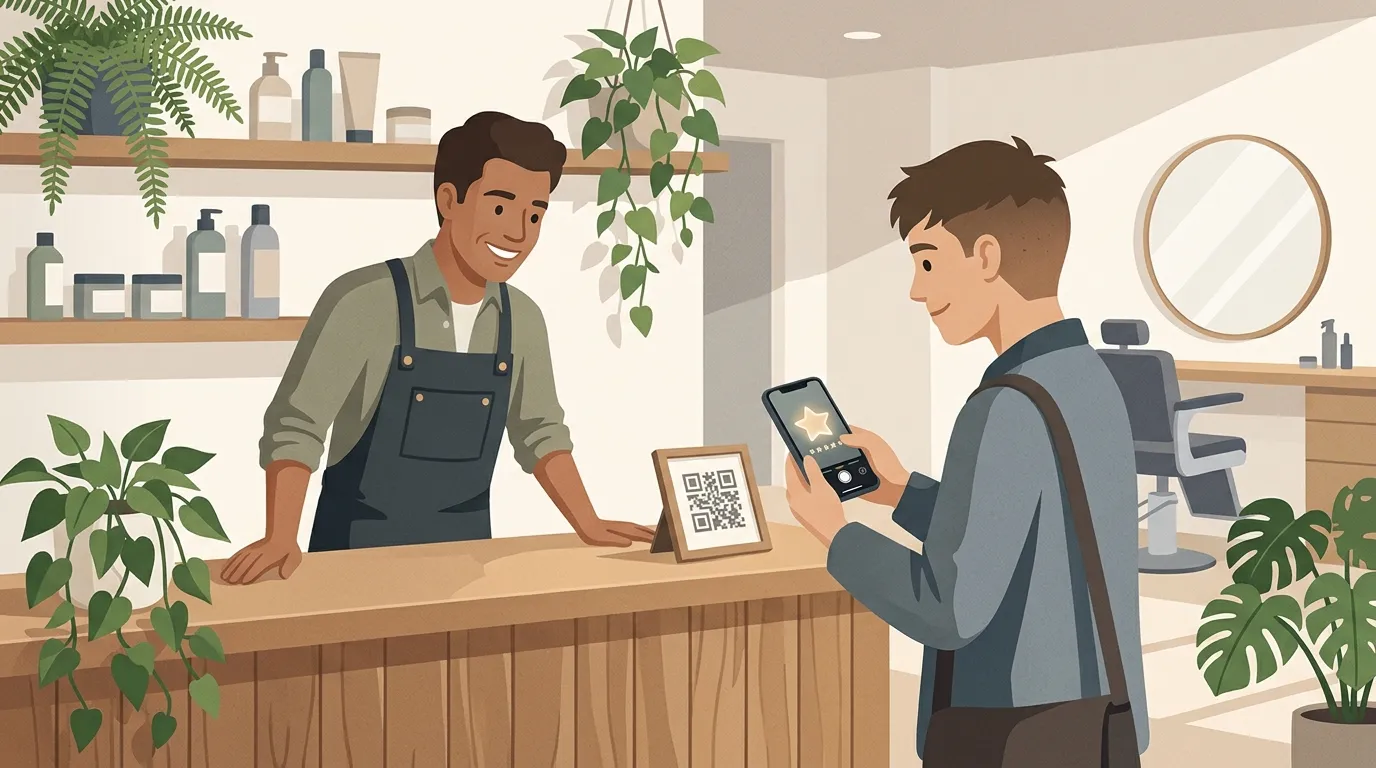
Reviews do not come on their own. You ask for them, and how you ask decides how many come.
Once verified, your profile lets you create a short link and a QR code to ask for reviews. Print the QR code and put it where customers see it when they are done: on the counter, next to the register, on the mirror, on the table where they pay. And at that moment, when they tell you they liked it, point to it and say: “Give us 5 stars here, it takes a second.” The person takes out their phone, scans and does it right in front of you.
That is the difference that weighs most. If you send the link by message, many leave it for later, and later never comes. At the shop, with a happy customer and the phone in hand, the review gets done right there. Also keep the link in your phone’s notes for customers you serve at home or who left without scanning, with the same line over WhatsApp. But the QR code at the shop is what fills the profile.
Ask everyone, not just the ones you think will say something good. If you choose who to ask, the profile grows slowly. If you ask every customer, it grows fast and it shows that it is real. They only need a Google account; it does not have to be Gmail.
And reply to every review with your name, short and personal. To the good ones, a thank-you that does not sound like a template. To the bad ones, calmly, without arguing, offering to sort it out in private. Whoever reads your reviews also reads how you reply.
A realistic goal: twenty reviews in the first two months. It is the number from which people stop ruling you out for being new.
And when you get there
If your website is with us, write to us once your profile is verified and you have your first reviews, and we will add them to your website.
If your website is not with us and you want to update it, refresh it or launch it from scratch so it is ready when people start arriving, activate your plan and we will walk with you. Activate your Impulso Digital plan →
You might also like
You turned on ads. Your journey is just beginning
Turning on ads feels like a goal reached, but it is not the finish line: it is the starting line. Why every message your ad brings is a piece of the market, and how reading them helps you decide what to advertise, what to charge and what service to create.
Read articleDon't stress over your website's policies: we explain it simply
Your website's privacy policy, terms and conditions and cookies sound like boring fine print, until one slip-up costs you dearly. Here we explain, simply and without legal jargon, what each one is, so you can stop stressing and keep your website up to date.
Read articleDoes it make sense to write a blog in 2026 if everyone asks ChatGPT?
They say blogs are dead and that everyone now asks ChatGPT, but writing about your business is still one of the best decisions you can make. We explain why having a blog in the age of AI makes you a better communicator, and why that ends up influencing your sales.
Read article